Demo 260105
-
New Message Improvements
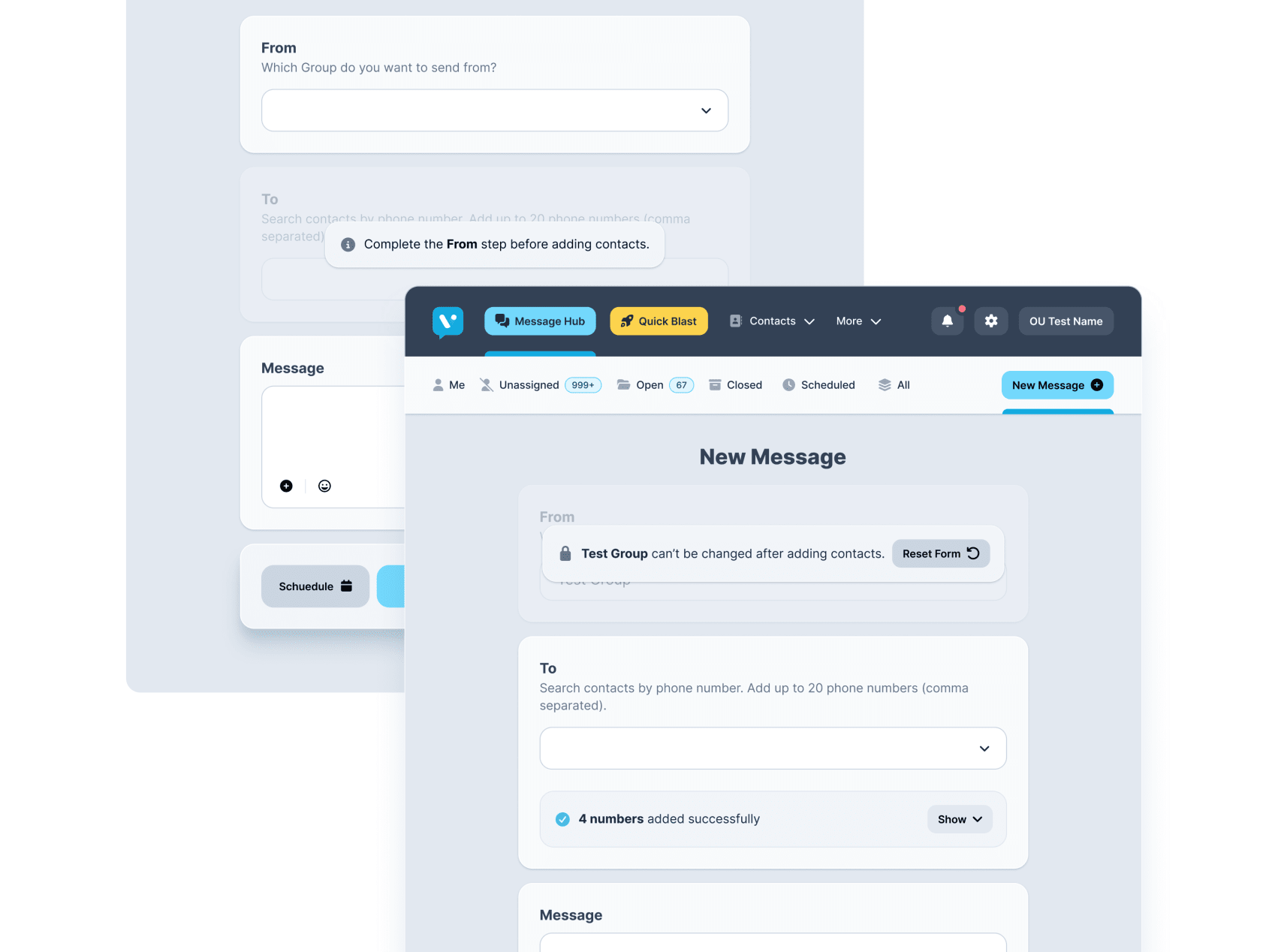
With the introduction of Organizational Units in Message Hub, users can now select a group sender when composing a new message. This causes a small problem: contact selection now depends on the group selected and the group selection cannot be changed once contacts have been added.
To help guide users, we’ve added:
- callouts to the corresponding sections
- more obvious locked states
- clearer call to action button so users can easily reset things
- removed the thread list when composing a new message to create a more focused flow
Workflow Builder Visuals
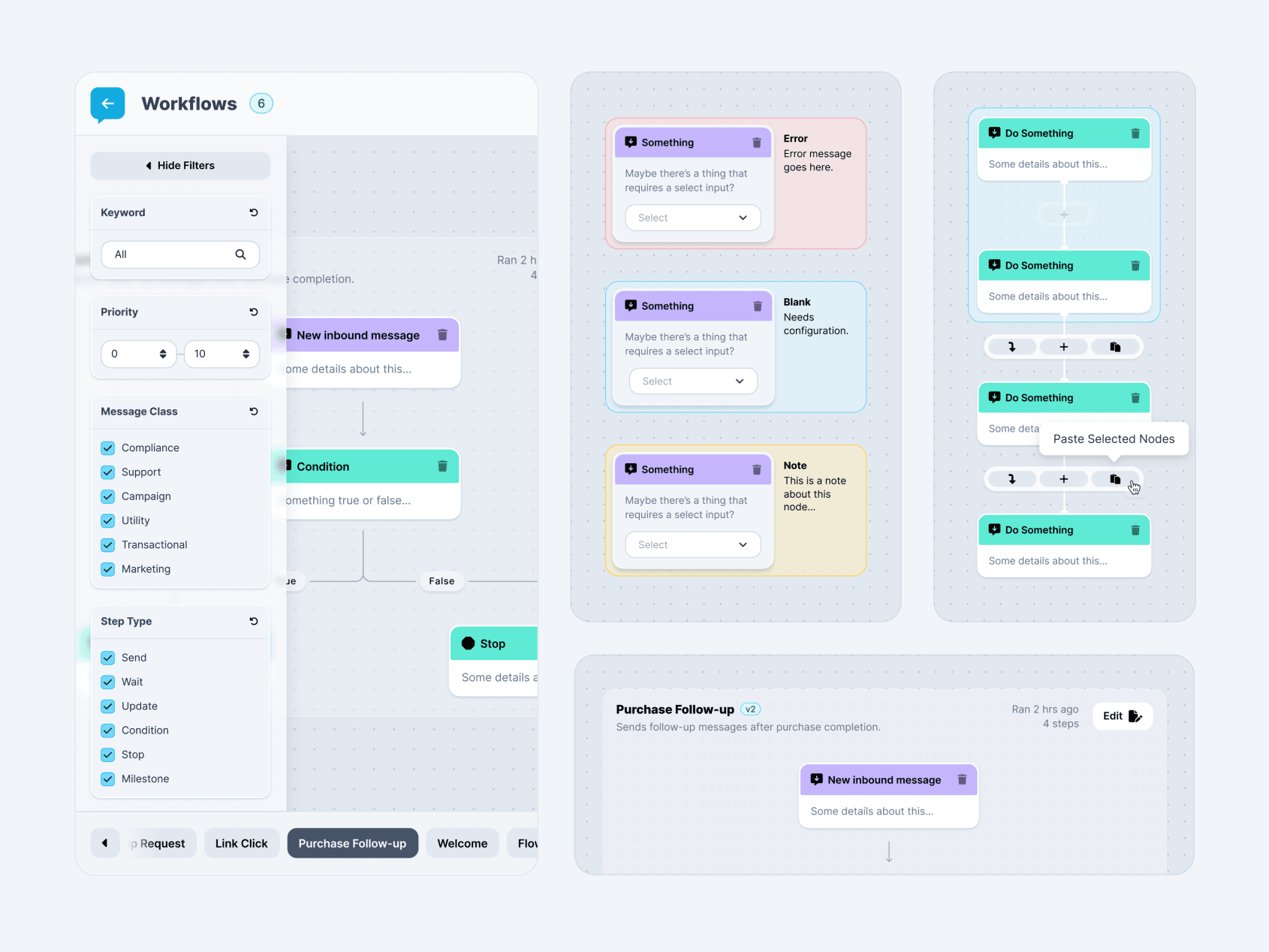
Early work on visual design for the workflow builder. Trying to start laying out how things will look and feel.
Workflow Builder Prototype
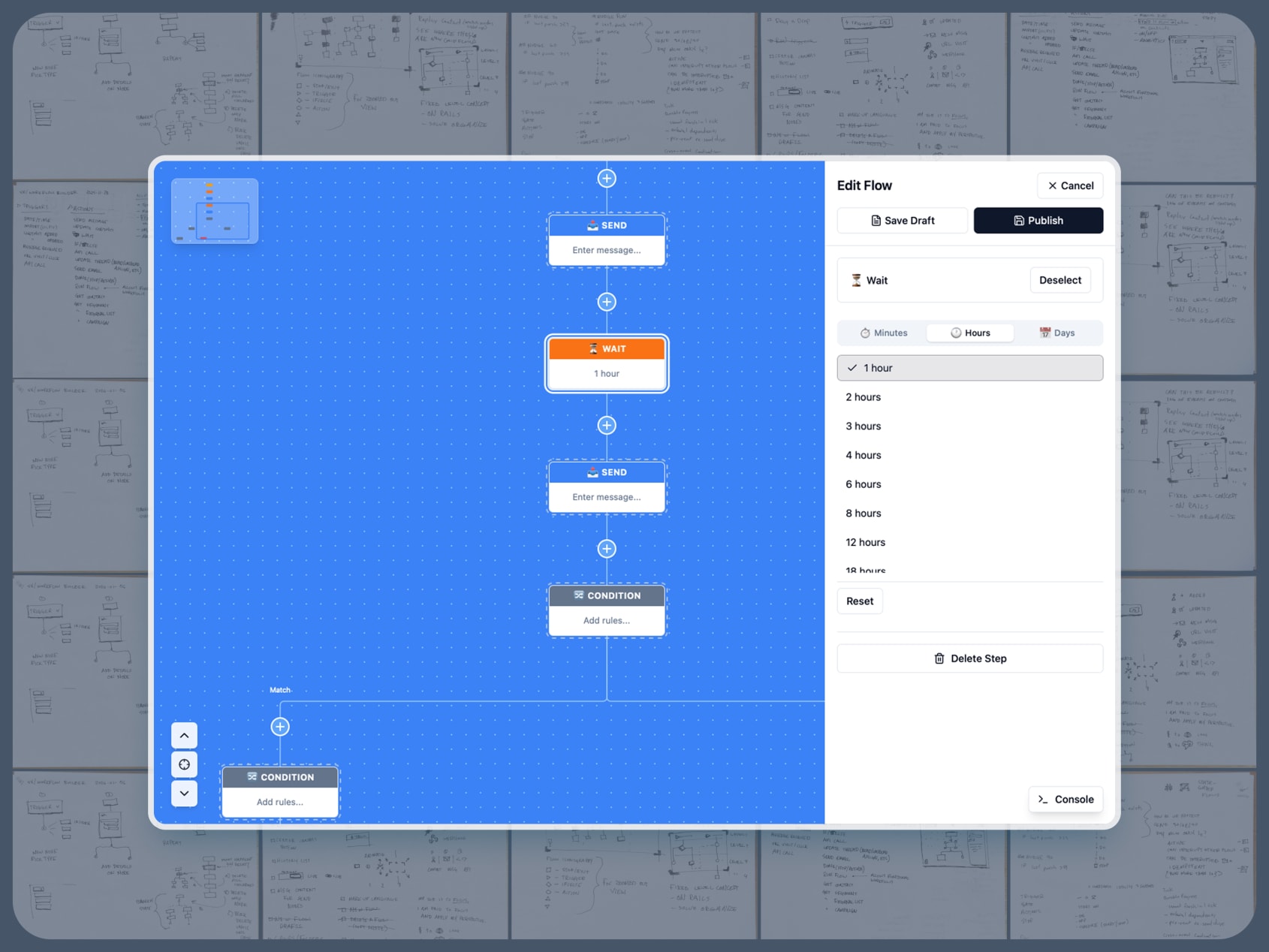
Prototype exploring the Workflow Builder interface for documenting and managing complexity of Voxie’s automations.
Key focus so far:
- Canvas based documentation of all workflows for a team
- Simulate realistic flow of contact and event data
- Explore flow edit and versioning UX
Contract Demo
Demo of a proof of concept contract workflow using plain text files instead of Word or Google Docs. This method is more flexible and sustainable—using the best tool for each step rather than one tool that does everything worse.
This produces professional, polished output that word processors can’t match—repeatable styling, no AI hallucination, while still allowing AI tools to help with writing.
- Setup: Create client folder from template with SOW/contract files stored as plain text
- Edit: Fill in variables (client name, dates, terms) in text file — styling is handled automatically by template
- Export: Generate PDF with date-stamped filename, send to client
- Review changes: Use Diffchecker to compare original vs client’s redlined version
- Update: Make changes in the canonical text file, export new dated PDF
- Finalize: Add “-sign” to filename, upload to DocuSign
- Archive: Store signed copy in “signed” folder
- Sync: Keep everything in shared Dropbox for version history and team access
Tools used:

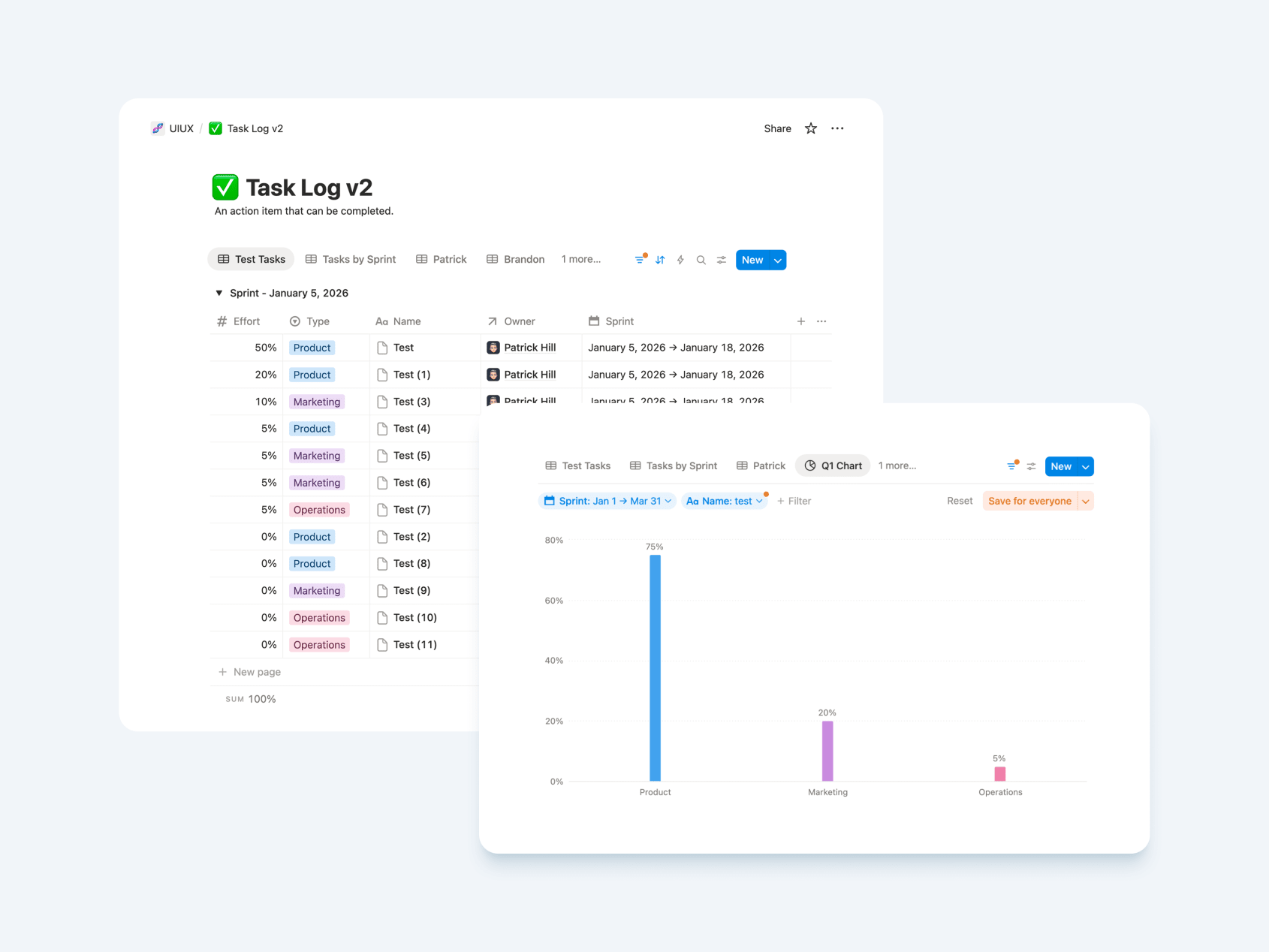
Task Tracking
The UI Team has an updated task tracking process that is more streamlined. It requires less administration, allowing us to focus more on product work.