Demo 260316
-

Group Status
Mocked UI for expanded group status and settings for defaults and scheduling updates.

Reserved Date Cards
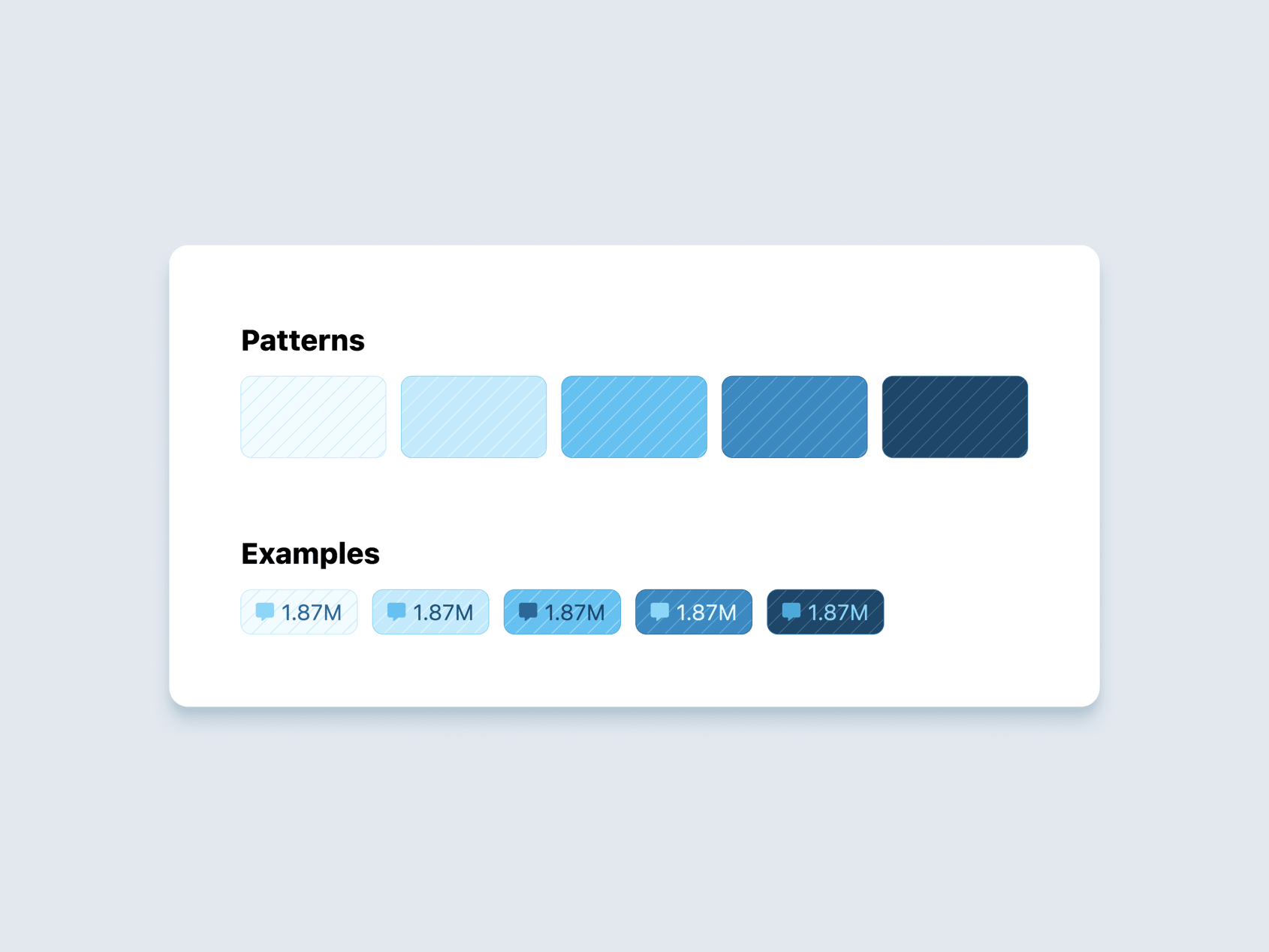
Created a repeating stripe pattern card component for corporate reserved date cards.
View the prototype:
https://voxie.github.io/prototypes/stripes/
Omni Dashboard Styles
For this project we helped guide the embedded Omni analytics to adhere to Voxie design standards.
Omni presents has some rigid customization on their side. We explored what was possible and made a system for application level themes, document level themes, and added our brand colors as options (slate, sky, and chart gradients).
Individual charts are still extremely manual and will require ad hoc styles for now.
The current Omni embed adheres to our analytics designs as close as possible given the tools provided by Omni.
Some key long term issues will be version control of the design details and scaling that in a way to maintain quality.
Our learnings are documented here:

Workflow Builder - UX + Voxie Style
What’s New
Visual Design
- Node cards received a glass effect treatment, updated hover/press states, and category-specific colors applied consistently across nodes and the Add Step modal
- Connector lines are now thinner with rounded caps, no arrowheads, equal gaps, and a new header arrow style
- Incomplete nodes now display a rounded, animated dashed border; the minimap reflects pulse animations and selected node state
- Buttons and toggle switches updated to match Voxie design system
Flow Canvas
- Branch labels are now proper layout nodes with spacing and connections; hidden on nodes with fewer than 2 output branches
- Canvas recenters on your previous position when nodes are added or removed and cause reflows
- Node heights now stay aligned to content as you type
- Scale effects work consistently across all nodes, headers, and the plus button
- Click a selected node to deselect it
Add Step Button & Modal
- Add Step button is now an expanding pill with hover and drag-drop support
- Modal has a slide-up animation, faster exit, no auto-focus, and an overlay style matching Voxie
- Mini flow nodes in the modal are larger, with thicker borders and a selection ring
Item Selector (Picker)
TriggerSelectorrefactored into a reusableItemSelectorcomponent- Applied to: gate, wait, send to flow, switch, condition, update node, and API call nodes
- Picker drawer updates: new select icon, fixed missing border, faster animation
- Config summaries now shown on picker items
Version History
- Labels for current draft and published versions
- Colored badges and a publish button added
Bug Fixes & Performance
- Fixed redo button causing deselection of current node
- Fixed trigger not defaulting to the currently selected trigger
- Fixed updates getting cleared when clicking off a node
- Fixed plus button offset in Safari
- Fixed number clipping when dragging multiple items
- Paused animations and disabled JS mouse events during canvas panning for improved performance
Autosave
- Autosave added to the flow details editor
Tech
- Upgraded to Tailwind CSS 4 with Voxie config
- Replaced all color abstractions with direct Tailwind colors
Prototype: https://proto-workflow-builder-mk1-git-look-like-voxie-voxie.vercel.app/
