Cloudinary Upload Tool
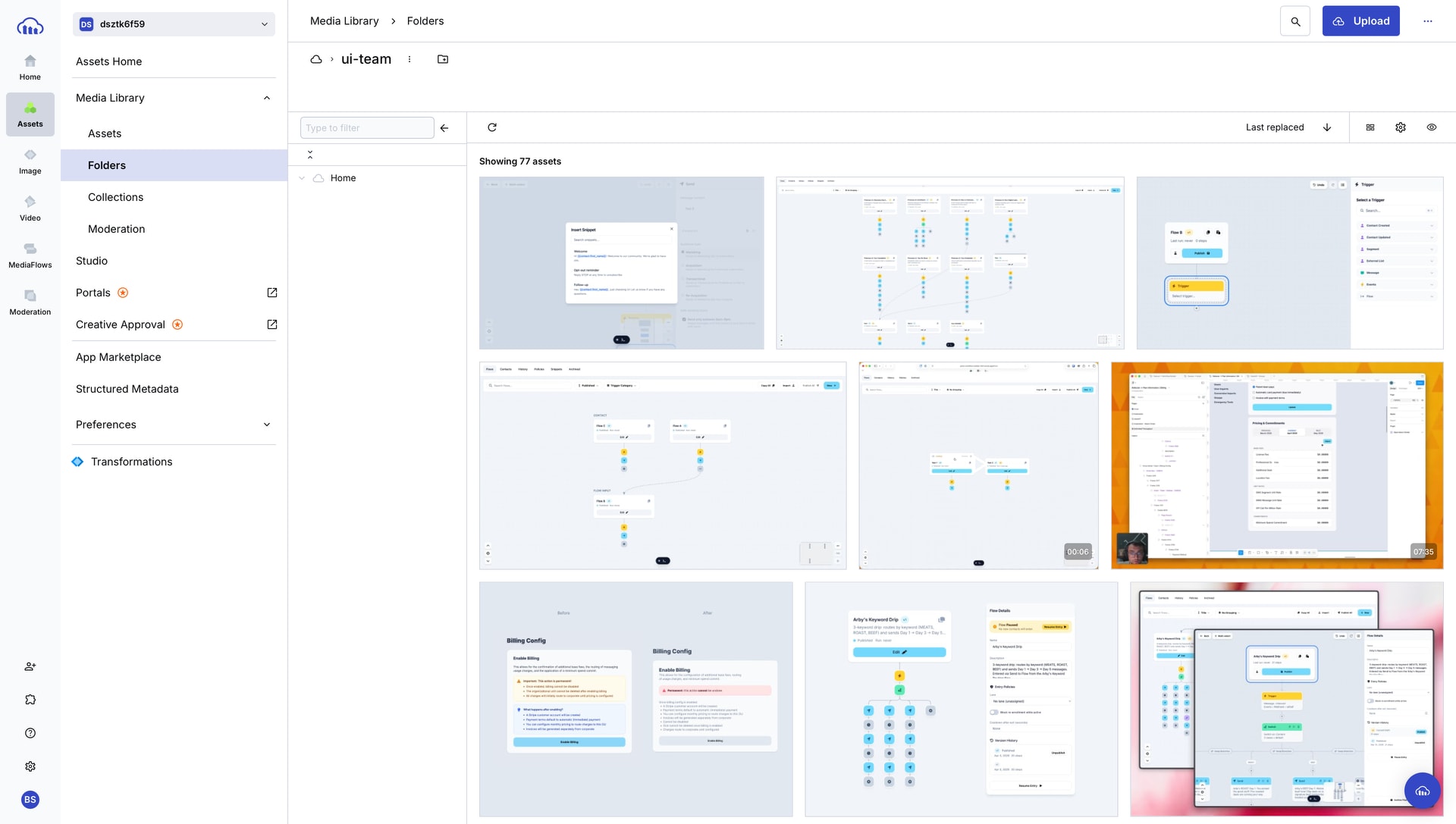
operations
This is a small quality of life update for us that shaves minutes of manual effort away each week.
For this demo site you are looking at, we host the image and video assets on the Voxie Cloudinary account. This used to require uploading those manually.
This is a small bit of AppleScript and 2 wrappers: Launchbar Script and macOS Service Workflow Script.
This lets us select an image or video on our Macs and in 1 action upload and get that URL copied to clipboard.
☹️ Old Method
- Open Cloudinary
- Log in
- Navigate to ui-team folder
- Drag or select image to that folder
- Refresh page
- Copy uploaded URL
- Paste to demo site code
😁 New Methods
Using Launchbar
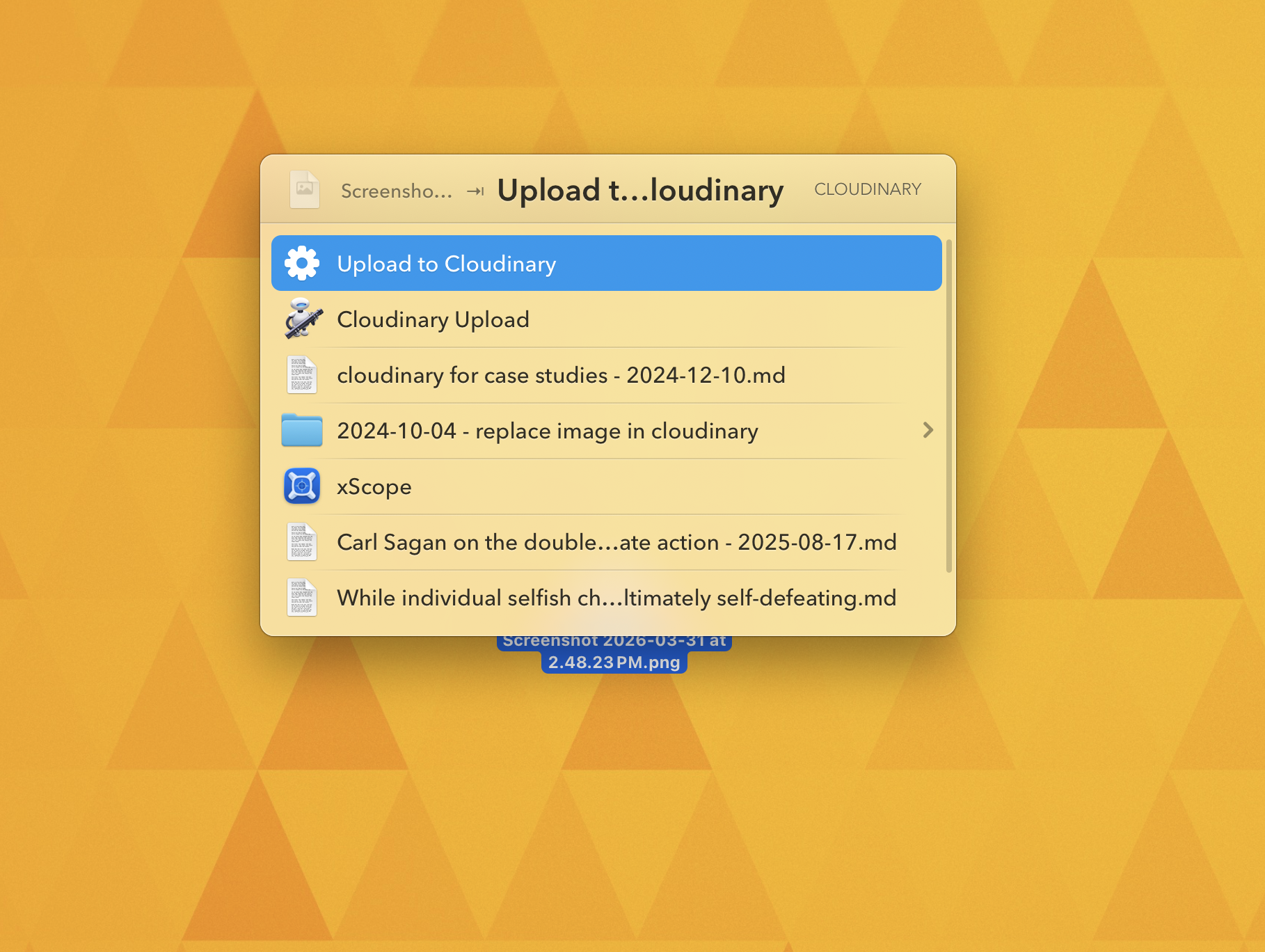
- Select image
- Activate Launchbar
- Choose
Cloudinary Upload - Paste URL to demo site
Using macOS Service
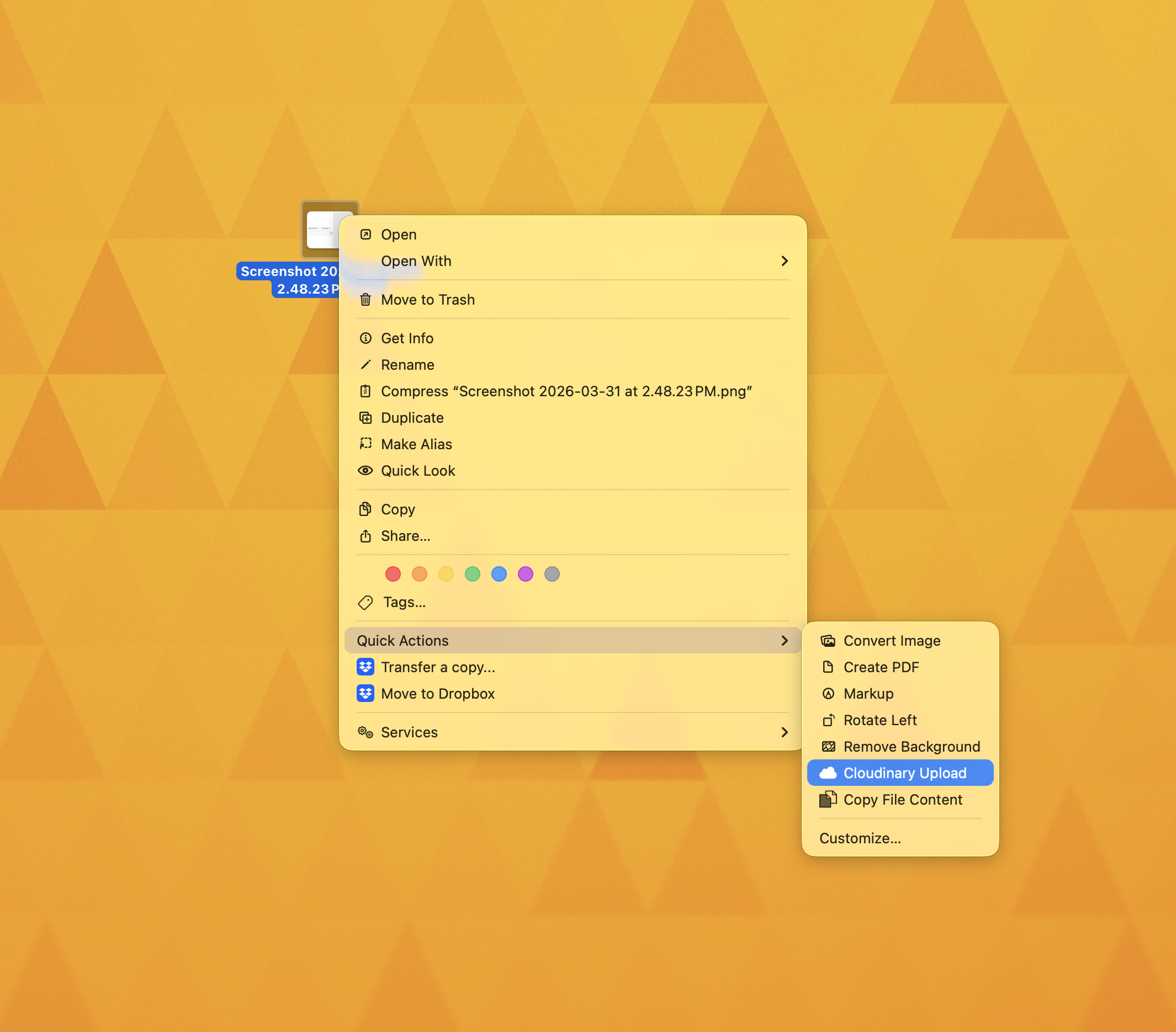
- Right click image
- Choose
Cloudinary Upload - Paste URL to demo site
Bonus feature is you can use it on many images at once. So for 5 images this can take ~35 steps and compress that to 3 steps, a 12x improvement.