Demo 260706
-
Automation Trigger Refactor
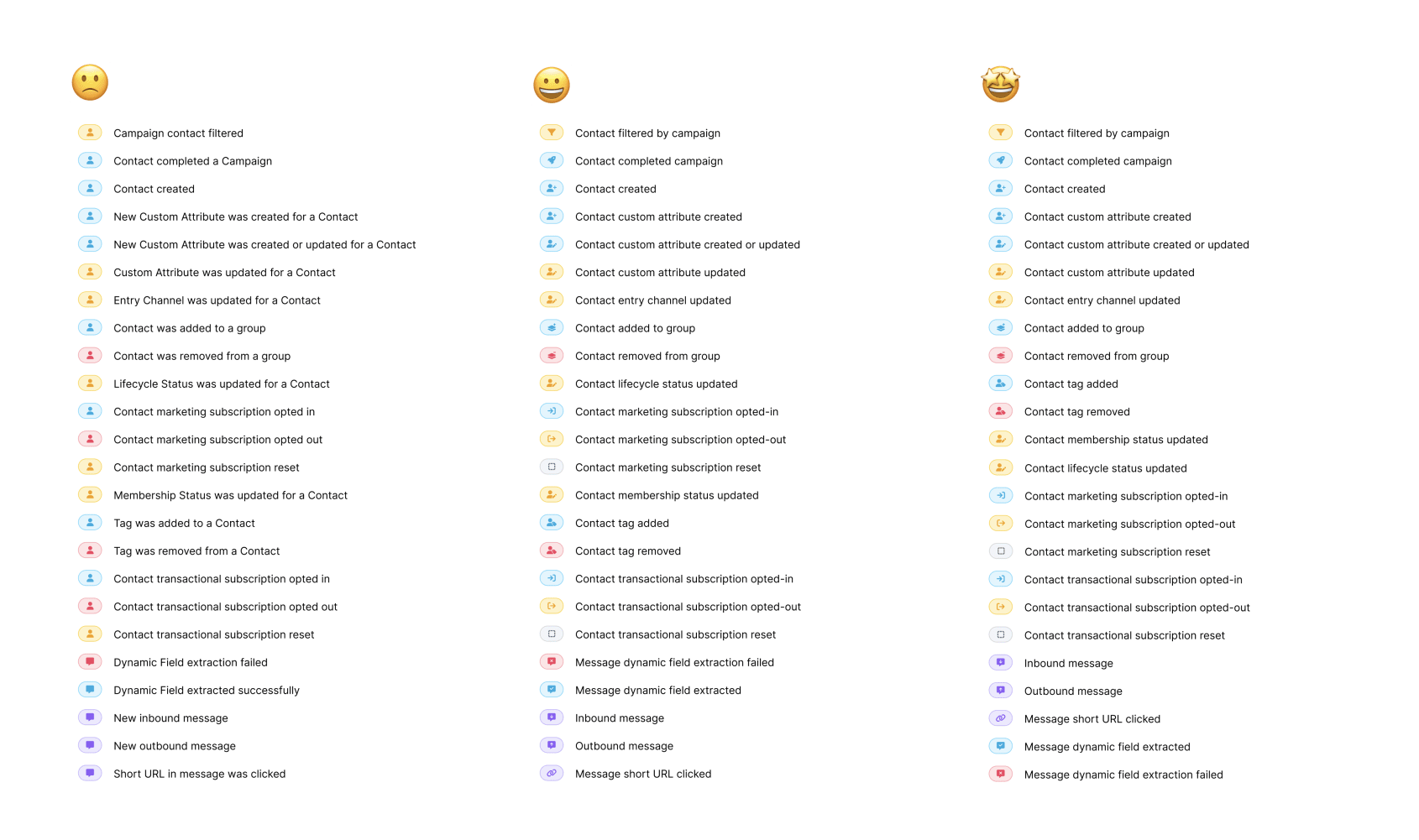
Automation Trigger events have grown over time and skipped the nit-picking eyes of the UI team.
Our gaze can be avoided no longer, 🤣.
We updated icons, colors to be consistent with the concepts they are related to across Voxie.
This help break up the issue of all icons being the same, which makes scanning hard. Another issue was that color alone was being used to differentiate choices, which is a color-blindness accessibility issue.
Lastly we took a swing at refining the wording to match case/tense across all options and reordering the items.
Segments and Segment Templates
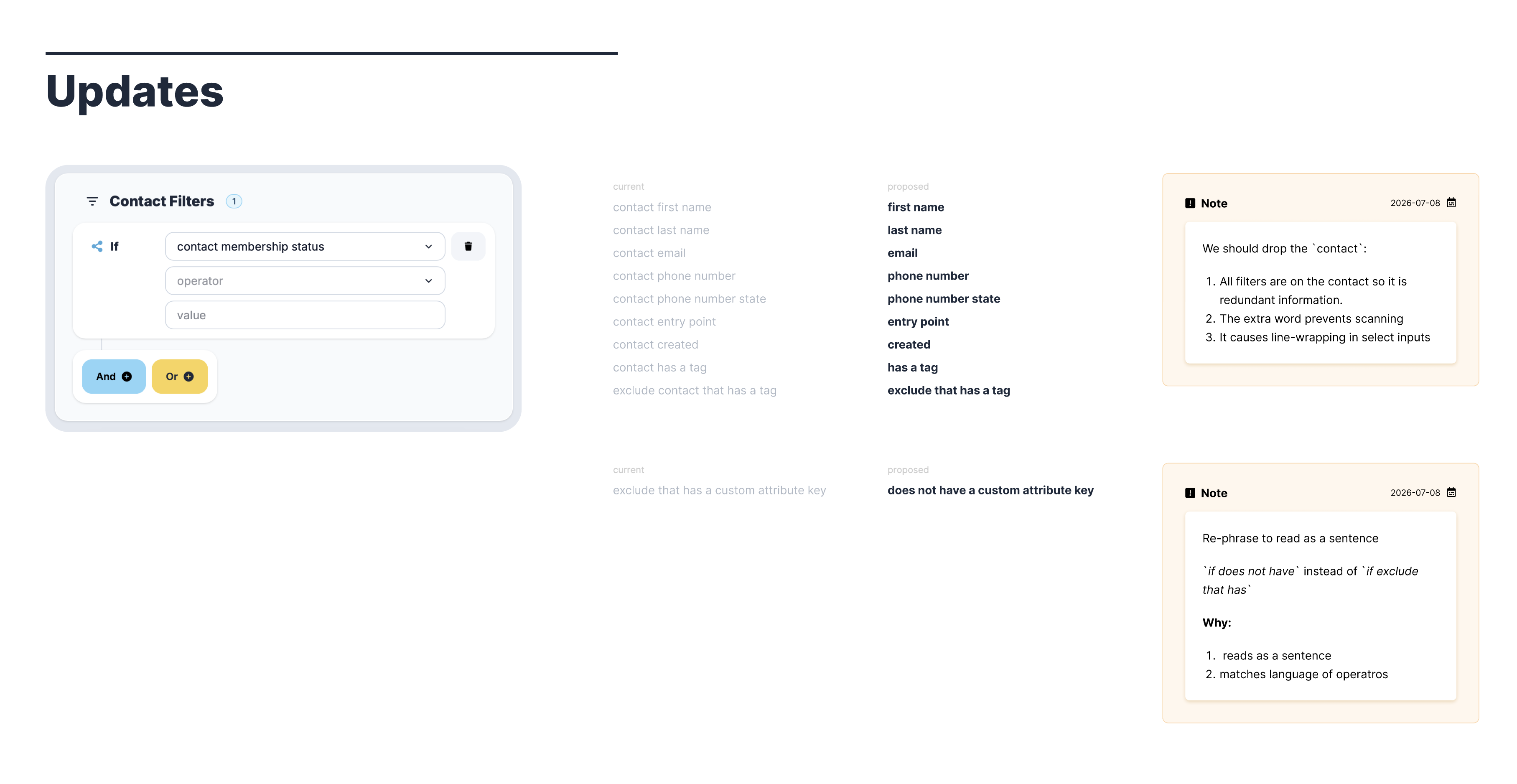
Small refinements to Contact Filter choices:
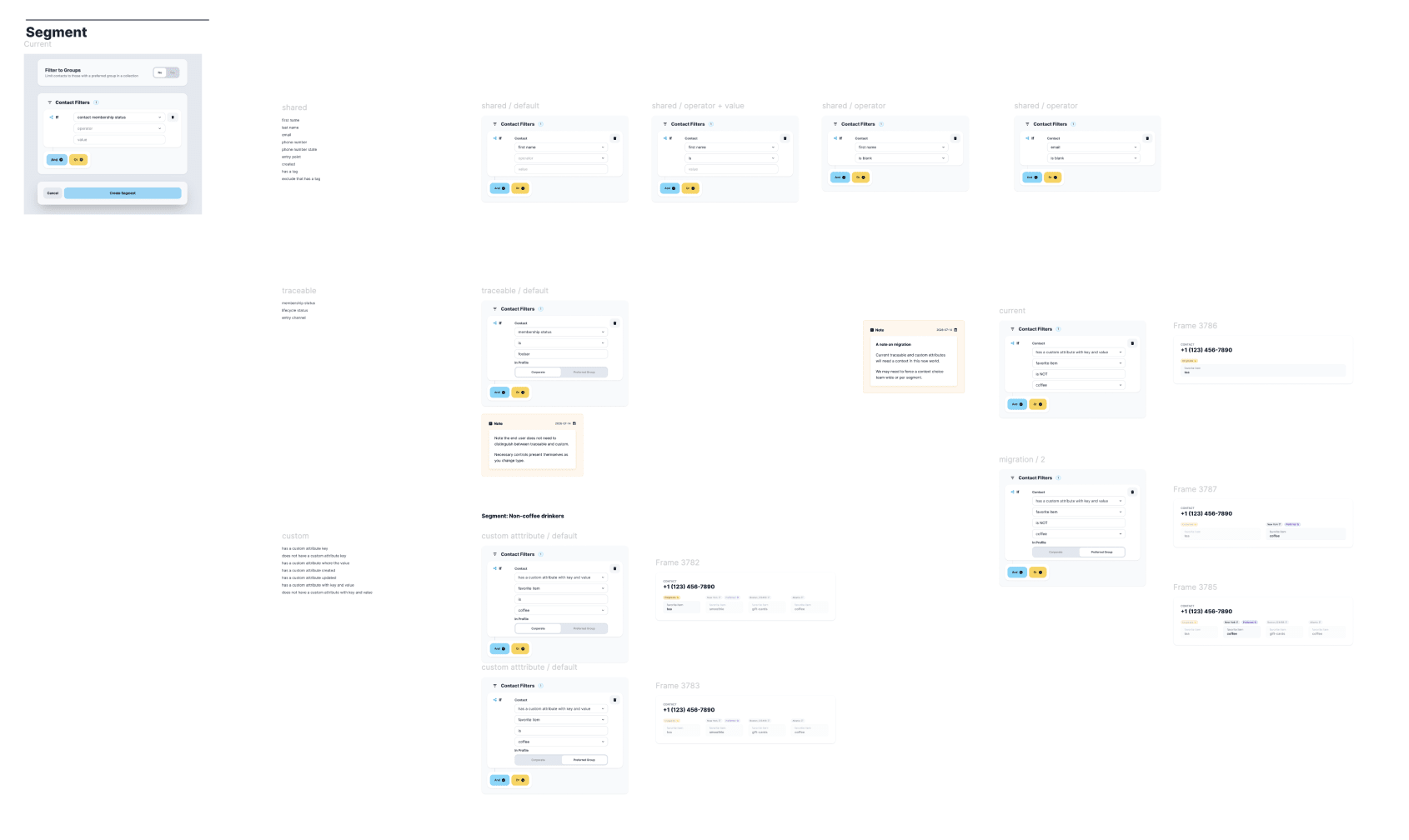
Documenting and working through all possible worlds for Traceable and Custom attributes being part of local profiles going forward.
Key UX change is that these attributes now allow for choosing if a Segment will check the Contacts “Corporate” or “Preferred Group” profile.
Cursor Recorder
Created a tool that automatically moves the cursor and records the screen so we can create quick, consistent demos. You can create a script of what you want to happen and it will produce a video file of it.
